Connect in 15 minutes. Catch schema drift in 24 hours.
No producer code changes. No consumer SDK. Broker-layer connection only.
Five steps to full pipeline coverage
Create your account
Sign up at streamforgehq.com. No payment info required upfront. Your free Solo tier is active immediately with one pipeline slot.
Add your broker credentials
Paste your Kafka bootstrap servers, Kinesis stream ARN, or Flink job endpoint. We use read-only credentials. We never write to your broker and never store your event payloads.
Select topics to monitor
Pick one or all. Streamforge starts sampling immediately and builds the baseline schema model from real traffic. The dashboard shows sampling progress per topic.
Set your reroute rules
Choose: warn-only, auto-quarantine, or block. Set per-topic or batch-apply to all. Takes about 2 minutes. You can change rules at any time without restarting monitoring.
Connect your alert channel
Paste a Slack webhook, PagerDuty routing key, or OpsGenie API key. We fire a test alert immediately so you can confirm delivery before any real incident happens.
How Streamforge connects to your infrastructure
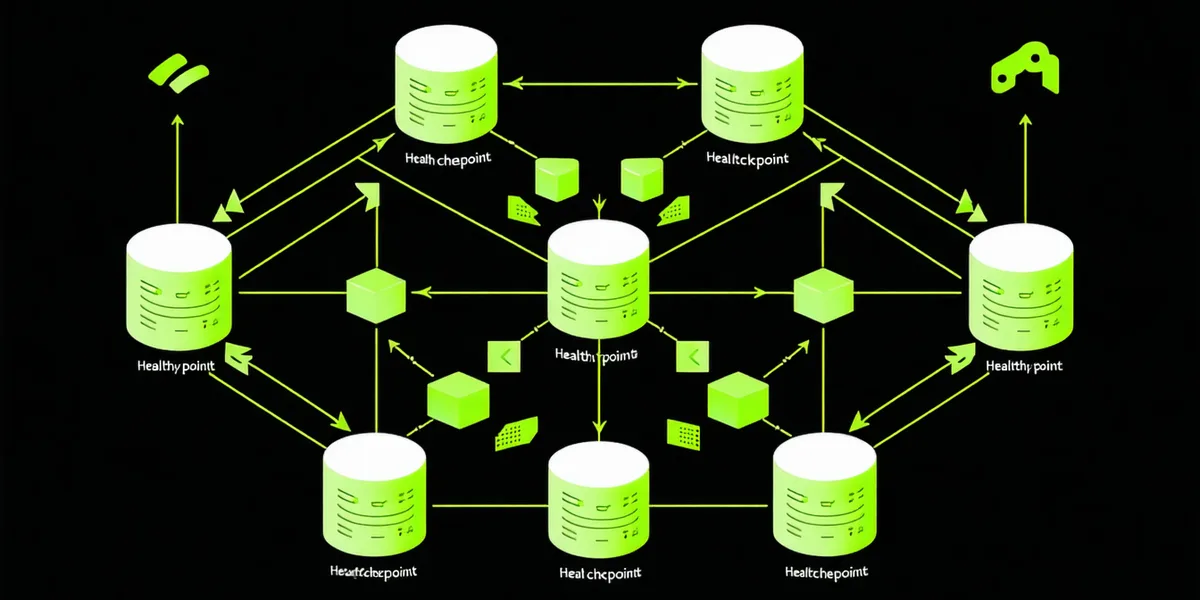
Streamforge sits outside your data path. We connect at the broker layer using a dedicated read-only consumer group that has no effect on your existing consumer offsets. Your producers write the same way they always have. Your consumers read the same way they always have. Streamforge samples in parallel, builds its schema model, and acts only by routing anomalous events to a quarantine stream you own.
24 hours to baseline. Continuous from there.
In the first 24 hours, Streamforge samples up to 10,000 events per topic to build a schema fingerprint: field names, inferred types, nullability rates, and value cardinalities. This is not a static schema definition. It is a probabilistic model built from your actual traffic, which means it handles JSON topics that have never had a schema registry entry.
The model updates on a rolling 30-day window so it adapts to legitimate schema evolution. If your producer team deliberately adds a new field, Streamforge will recognize it as a stable pattern within a few days and stop flagging it. The key distinction is "stable new pattern" vs "sudden unexpected null": both are new, but only one is drift.
| Field | Type | Null% | Samples |
|---|---|---|---|
| order_id | string | 0.0% | 10,000 |
| event_id | string | 0.2% | 10,000 |
| amount | float64 | 0.0% | 10,000 |
| currency | string | 0.0% | 10,000 |
| timestamp | int64 | 0.0% | 10,000 |
Ready to connect your first pipeline?
Free tier, no credit card. Up and running in 15 minutes.